Best AI Video Tools for Small Online Sellers (2026): Tested on My Own Products
If you sell online, you already know short videos sell products, and AI video tools for sellers promise to make them faster. The problem is time and money. Filming, editing and voiceovers add up fast when you are a one-person shop.
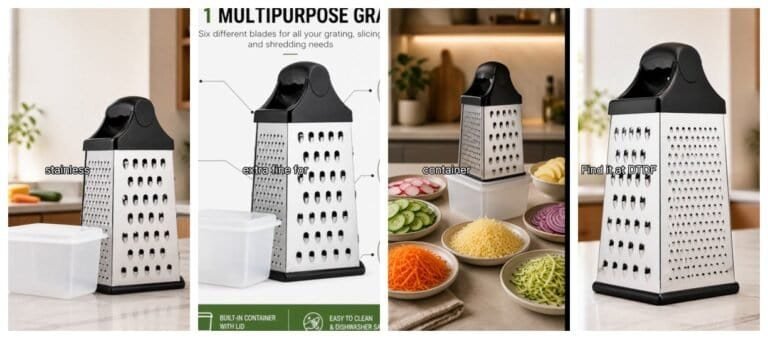
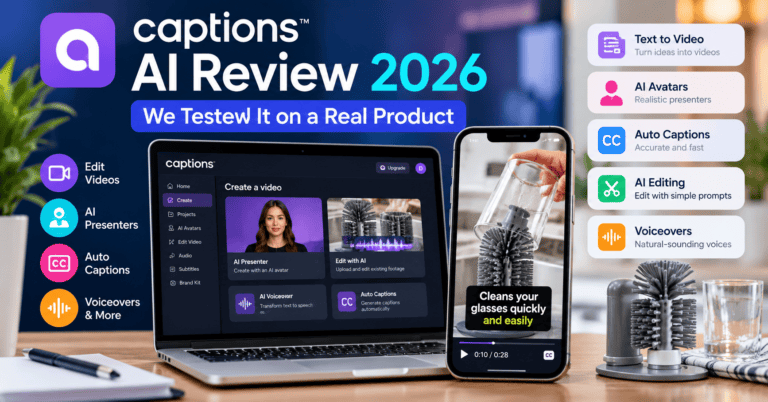
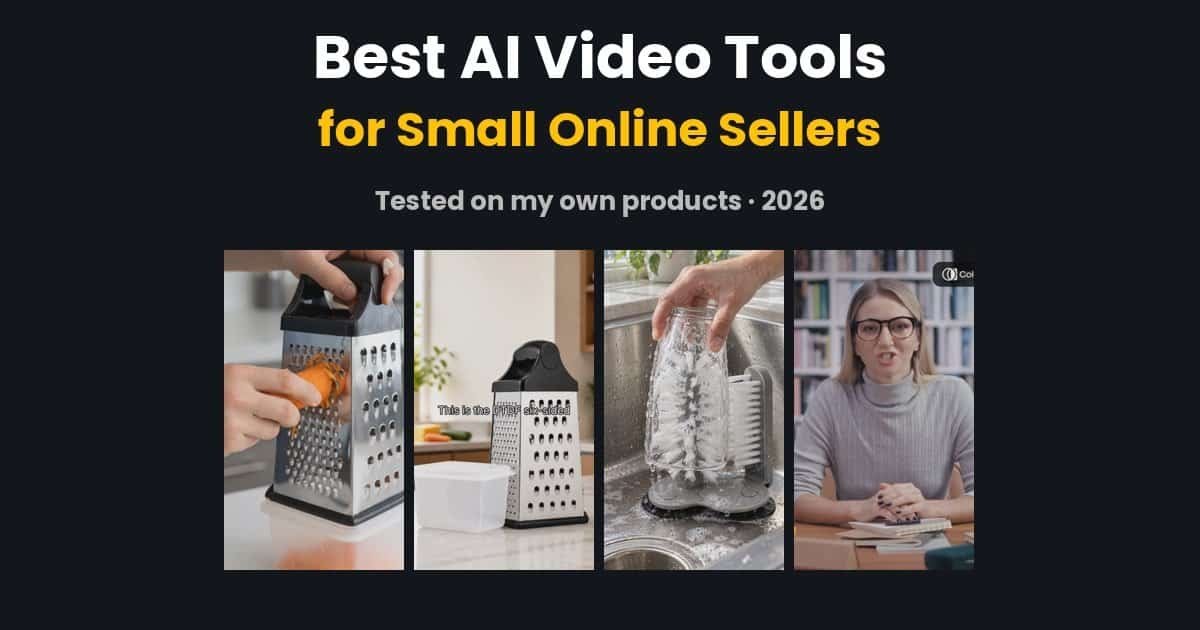
So over the past few weeks I tested the main AI video tools for online sellers on my own products from my Amazon UK kitchen shop: a cheese grater, a chainmail scrubber and a glass cup brush. This guide shows what each tool actually made, what it costs, and which one I would pick for each job.
Disclosure: some links on this page are affiliate links. If you buy through them I may earn a small commission at no extra cost to you. It does not change my verdicts, and one tool below has no affiliate link at all.
Best AI video tools for online sellers: quick picks
| Tool | Best for | Free plan? | Paid from | Did I test it? |
|---|---|---|---|---|
| PixVerse | Turning one product photo into a short clip | Yes, watermarked | $10/month | Yes, I pay for it |
| InVideo AI | Photos + voiceover into a finished video | Yes, limited credits | Changes often, see below | Yes |
| Creatify | Product ads from a product link | Yes, 10 credits | $15/month | Yes |
| Colossyan | A talking AI presenter | Yes, watermarked | $59/month (yearly) | Yes |
| ElevenLabs | Realistic voiceovers | Yes, non-commercial | $6/month | Yes |
| Runway | High-end AI video clips | Credits, but video is locked | $15/month | Yes (free plan) |
| HeyGen | AI avatars and spokesperson videos | Yes, 3 videos/month | $29/month | Not yet |
How I tested these AI video tools for sellers
I used my own products, not stock demos. For each tool, I tried to make the kind of video a small seller really needs: a vertical clip of 30 seconds or less for TikTok, Instagram Reels, YouTube Shorts or a product page.
Also, where possible, I started on the free plan. That shows you what you can do before paying. After that, I noted the cost, the time it took and any catches, such as watermarks or credits running out. HeyGen is the only tool here I have not tested yet, so that section is clearly labelled as research.
1. PixVerse: best for turning a product photo into video
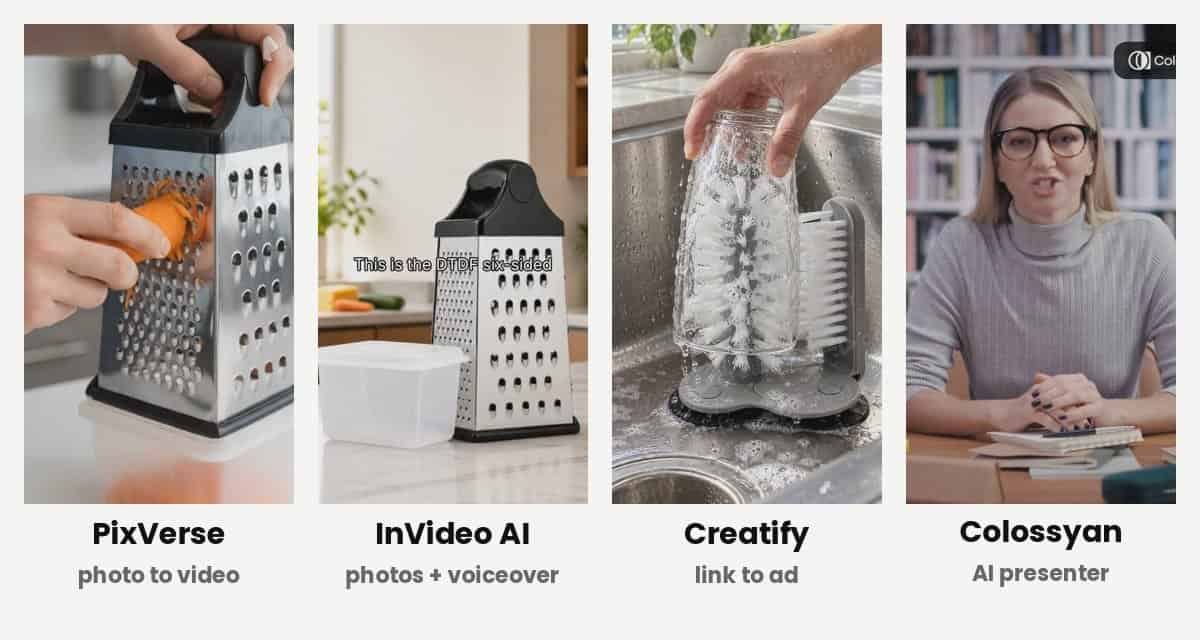
What it does: You upload one product photo, describe the movement you want, and PixVerse turns it into a 5-second video clip. For example, a hand grating cheese, or a scrubber cleaning a pan.
My result: In fact, this is the tool I use most. I made a series of short Roman-themed product videos with it, and it handled my grater and chainmail scrubber well. As a result, a single good product photo is often all I need for a few clips.
Price: The free plan gives daily credits, but videos are watermarked. Later, I upgraded to the Standard plan ($10 a month, or $8 billed yearly). It gives 1,200 credits a month, which is roughly 30 five-second clips.
- Good: cheap, quick, works from one photo, great for eye-catching hooks.
- Not so good: clips are short, so you need an editor to join them; hands and text can sometimes look odd.
Read my full PixVerse review or try PixVerse.
2. InVideo AI: best for photos plus a voiceover
What it does: You give InVideo AI your product photos and a script or voiceover, and its AI agent builds a full video with captions, transitions and music.
My result: It made a decent 35-second grater video from just four photos. However, watch the credits on the free plan. The AI agent used all of mine checking its own work before I had a final video I was happy with.
Price: InVideo changed its plans in 2026, and prices vary a lot between monthly and yearly billing. At the time of writing, paid plans start from around $9 a month. So, check the current price on their site before you buy.
- Good: makes a finished, captioned video, not just clips; works with photos you already have.
- Not so good: credits go quickly on the free plan; the AI does not always follow your script exactly.
Read my InVideo AI guide for beginners or try InVideo AI.
3. Creatify: best for product ads from a link
What it does: Creatify’s Ad Agent reads your product page and plans a full ad: a script, a voiceover, music and AI product scenes.
My result: I pasted my Amazon link for the glass cup brush. In about seven minutes it wrote a script using my listing’s own words, made a British voiceover and music, and created three product scenes that matched my real product closely. On the other hand, the free plan’s 10 credits ran out before it could render the moving footage.
Price: Free gives 10 credits a month with a watermark. Standard is $15 a month ($12 billed yearly) for 55 credits.
- Good: the smartest tool here for product ads; understands your product from its page.
- Not so good: the free plan is too small to finish an ad.
See the full test in my Creatify vs Colossyan comparison, or visit Creatify.
4. Colossyan: best for a talking AI presenter
What it does: Colossyan puts an AI presenter on screen who reads your script, a bit like making a slide with a person in it.
My result: On the free trial I got a finished 37-second video with a British voice and good lip-sync. Still, it cannot show your product, so I put the presenter in the top half of the screen and my real product footage underneath.
Price: The free Starter plan includes 20 minutes of standard video a month, with a watermark. Professional is $59 a month billed yearly.
- Good: generous free plan; easy editor; good for explainers and how-to videos.
- Not so good: knows nothing about your product; default templates are landscape, not vertical.
5. ElevenLabs: best AI voiceovers
What it does: ElevenLabs turns a written script into a very realistic voiceover, including British accents.
My result: Overall, it is quick and cheap. Two takes of my grater voiceover took minutes and used only around 500 credits. Then I added the voice to my product clips in an editor.
Price: The free plan gives 10,000 credits a month, but free voices are for non-commercial use with credit to ElevenLabs. So for ads that sell your products, use a paid plan. Starter costs $6 a month and includes commercial use.
- Good: the most natural voices I have tried; very low cost per video.
- Not so good: voice only, so you still need video from another tool.
6. HeyGen: popular AI avatars (not tested yet)
What it does: HeyGen is one of the best-known AI avatar tools. You can use a stock avatar or create a digital version of yourself to present videos.
My note: I have not tested HeyGen on my products yet, so this is based on research, not hands-on use. According to its pricing page, the free plan allows 3 videos a month up to 1 minute long, and the Creator plan costs $29 a month ($24 billed yearly).
Meanwhile, if you mainly want a realistic presenter, compare it with Colossyan above. I will update this section if I test it.
7. Runway: powerful, but no free video (tested)
What it does: Runway is one of the best-known AI video generators. Filmmakers and agencies use it to turn photos or text into high-quality video clips, with advanced tools for editing and camera movement.
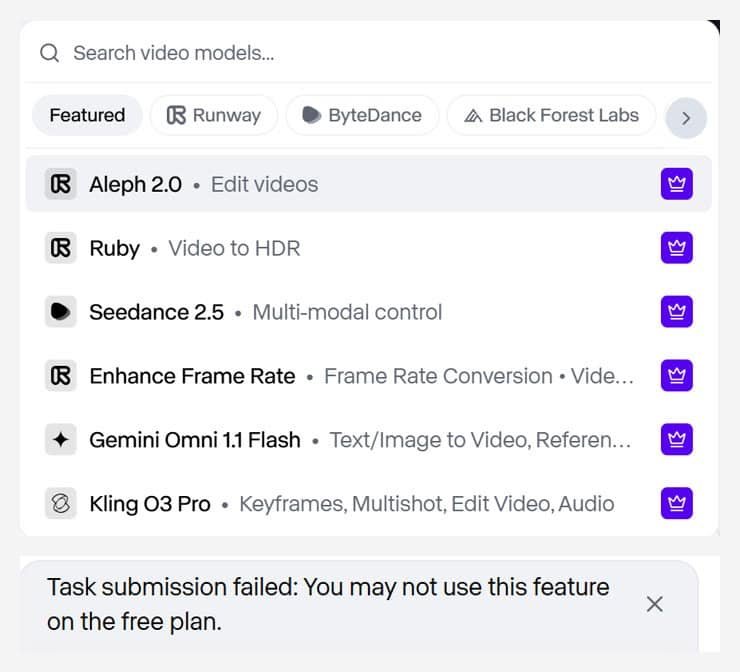
My result: I signed up for the free plan and got 500 credits. However, I could not make a single video with them. Every video model was marked as paid, including Gen-4 Turbo. Runway’s AI Agent even planned my cheese grater video, said Gen-4 Turbo was available on the free plan, and then failed with “You may not use this feature on the free plan”. It still used 10 credits for its chat replies.
Price: To make videos, you need a paid plan. Standard costs $15 a month ($12 billed yearly) for 625 credits. That is roughly 50 to 125 seconds of video, depending on the model, so it costs more per second than PixVerse.
- Good: top-quality models and a big choice of tools; strong reputation.
- Not so good: you cannot test video for free; the Agent uses credits just to chat; more expensive than PixVerse.
So, if you want to try AI video for free, start with PixVerse. Consider Runway once you are ready to pay and want the highest quality.
AI video tools for online sellers: side-by-side
| PixVerse | InVideo AI | Creatify | Colossyan | |
|---|---|---|---|---|
| Starts from | One photo | Photos + script | Product link | Script |
| Output | 5-second clips | Full video | Full ad | Presenter video |
| Shows your product? | Yes | Yes, your photos | Yes, AI scenes | No |
| Voiceover included | No | Yes | Yes | Yes |
| Free plan watermark | Yes | Check current plan | Yes | Yes |
| Cheapest paid plan | $10/month | Around $9/month | $15/month | $59/month (yearly) |
Prices are in US dollars and were checked in October 2026. AI tools change their plans often, so always check before buying.
Which AI video tools for sellers should you choose?
If your budget is £0
Film a few seconds of your product on your phone and use free tools to add a voice and captions. In fact, my favourite ad from these tests used my own real footage, with no watermark and no AI label needed. Colossyan’s free plan is also the most generous if you want to experiment.
If you can spend around £10 a month
Start with PixVerse Standard for product clips and ElevenLabs Starter for voiceovers. Together, they cost about the same as a takeaway, and they cover most product videos.
If you run ads regularly
Creatify is the best fit, because it builds the whole ad from your product link. Budget for at least the Standard plan.
If you want a person on screen
Colossyan (tested) or HeyGen (not yet tested). However, these suit how-to videos, welcome videos and courses more than quick product ads.
My simple AI video workflow
This is the process I now use for most product videos:
- Write a 30-second script. Hook in the first 3 seconds, one main benefit, then a clear call to action.
- Make the voiceover in ElevenLabs, or let Creatify write and voice it from your product link.
- Get the visuals: real phone footage first, then PixVerse clips for anything you cannot film.
- Put it together in a free editor with big captions, because most people watch with the sound off.
- Post it as vertical 9:16 on TikTok, Reels, Shorts and Facebook.
For a full step-by-step example, see how I made an AI product video for £0.
Tips before you post AI videos
- Label AI content. TikTok and Instagram ask you to label AI-generated people and scenes. Use their built-in “AI-generated” label.
- Avoid watermarks on paid ads. Free-plan watermarks look unprofessional and may break ad rules.
- Check the first frame. If your video fades in from black, Instagram may use a black square as the cover. Start on a clear product shot, or upload a cover image.
- Do not invent claims. Instead, only say what your product really does. The best AI tools here used wording from my real listing.
FAQs
What is the best free AI video tool for online sellers?
For a free plan you can actually finish videos on, Colossyan was the most generous in my tests. For product clips, PixVerse’s free daily credits are a good way to try photo-to-video, but videos are watermarked.
Can AI make a product video from one photo?
Yes. PixVerse turned single product photos into 5-second clips for me. However, for a full 30-second video, you will usually join several clips and add a voiceover.
Do I need to label AI-generated videos?
On TikTok and Instagram, you should label realistic AI-generated people and scenes. This way, it keeps you within their rules and builds trust with buyers.
Which AI video tool is best for Amazon sellers?
Creatify, because it can build an ad from your product link. However, check Amazon’s own video ad rules before using any AI video as an Amazon ad.
Best AI video tools for sellers: final verdict
There is no single best tool. Instead, each one does a different job. For most small online sellers, I would start with PixVerse for product clips and ElevenLabs for voiceovers, then add Creatify when you are ready to run ads. Use Colossyan if you want a presenter.
Above all, keep filming your own product. In every test, real footage mixed with AI help beat AI alone. You can see all the tools I use on my Tools page.